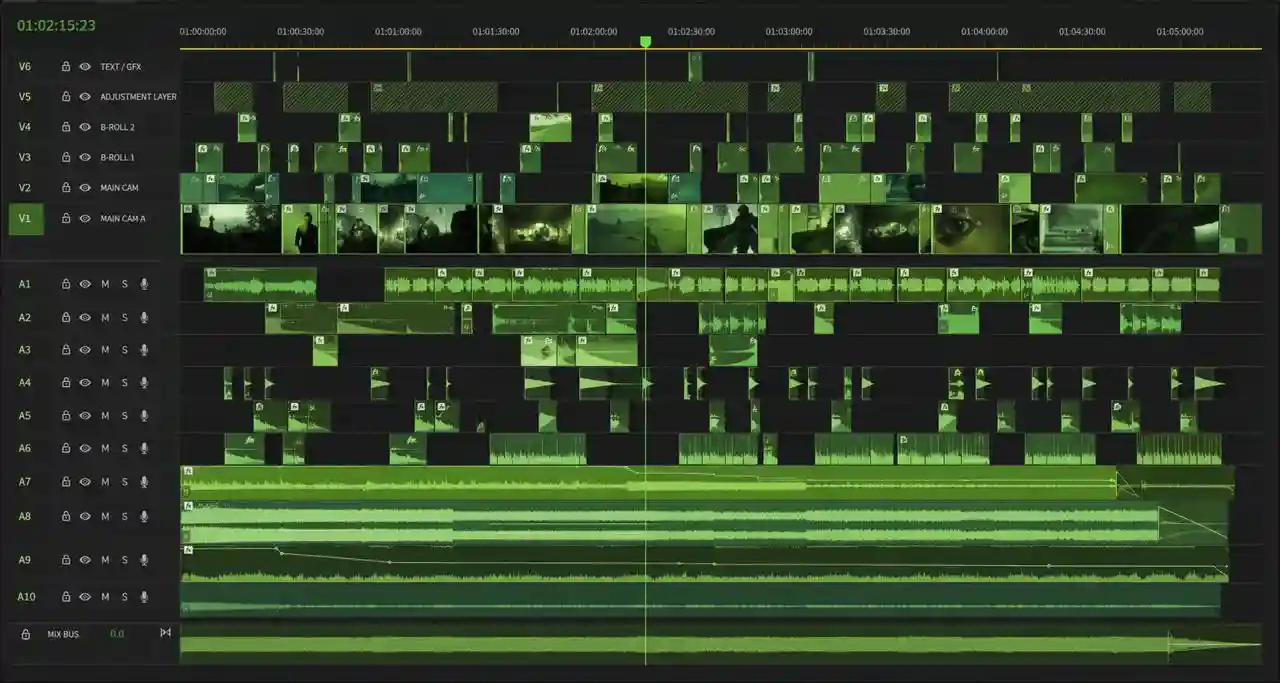
Drag and Drop
Edit and Share your work
Grow with our Master Bundle
Premium text animations and LUTs for your cinematic edits.
16+Text animations, 45 LUTs, film borders,
and grain built for Premiere and After Effects.
16+Text animations, 45 LUTs, film borders,
and grain built for Premiere and After Effects.
16+ Text Animations
16+ Text Animations
45 Luts
45 Luts
46 Content Borders
46 Content Borders
8 Film Grains
8 Film Grains
Total 100+ Assets
Total 100+ Assets
100+ EDITING ASSETS
45 Cinematic LUTs Inside
C-log = 08
C-log = 08
F-log2 = 08
F-log2 = 08
Rec-709 = 13
Rec-709 = 13
S-log3 = 12
S-log3 = 12












Loved by 20+ creators
4.8/5
Used by top creators




WHAT'S INCLUDED
Complete pro Editing bundle
Complete pro Editing bundle
Get everything you need to transform raw footage into professional cinematic videos.
Get everything you need to transform raw footage into professional cinematic videos.
Get everything you need to transform raw footage into professional cinematic videos.
TEXT ANIMATIONS
16+ Text Animations
Hand-made text animations designed to make your text stand out.
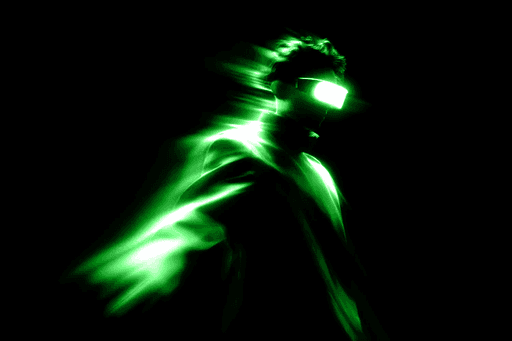
45 LUTS
45 Premium LUTS all crafted to instantly give your footage a cinematic, modern, and high-end look
45 Premium LUTS all crafted to instantly give your footage a cinematic, modern, and high-end look
CINEMATIC FILM GRAIN
Transform your digital footage to film


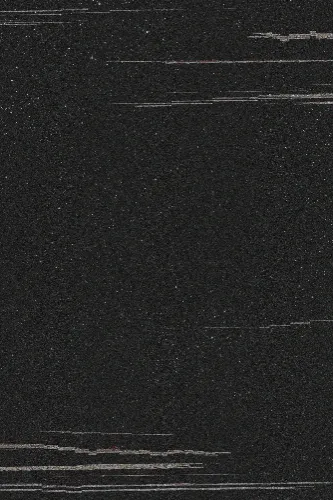
CONTENT BORDERS
46 content borders and inverted preset
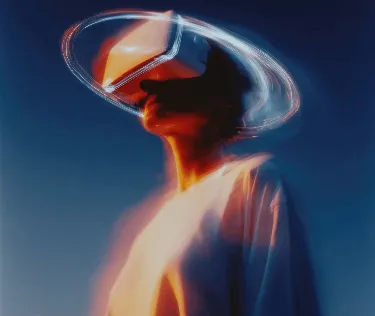
TUTORIALS
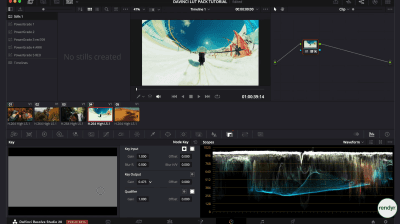
Step-by-step Video tutorials.

Bundle Breakdown
Bundle Breakdown
Here’s everything you get inside the Master Bundle. Every LUT, film border, text animation, film grain overlay, and tutorial.
Here’s everything you get inside the Master Bundle. Every LUT, film border, text animation, film grain overlay, and tutorial.
5.0
Rated by 24+ users
Rated by 24+ users
100+
Assets
Assets
Listed in detail so you know exactly what you’re receiving
Listed in detail so you know exactly what you’re receiving
S-log3 = 12
S-log3 = 12
C-log = 08
C-log = 08
F-log2 = 08
F-log2 = 08
Rec-709 = 13
Rec-709 = 13
Inverted preset
Inverted preset
Film borders
Film borders
35+ Cinematic LUTs
35+ Cinematic LUTs
Film Grain
Film Grain
Cinematic overlays
Cinematic overlays
Cinematic aspect ratio
Cinematic aspect ratio
Light Leak Mattes
Light Leak Mattes
Premiere text presets
Premiere text presets



+1,100 MEMBERS
Skool Academy
Become a better editor faster. Get pro training, free monthly assets, and special discounts inside our private Skool community
Become a better editor faster. Get pro training, free monthly assets, and special discounts inside our private Skool community





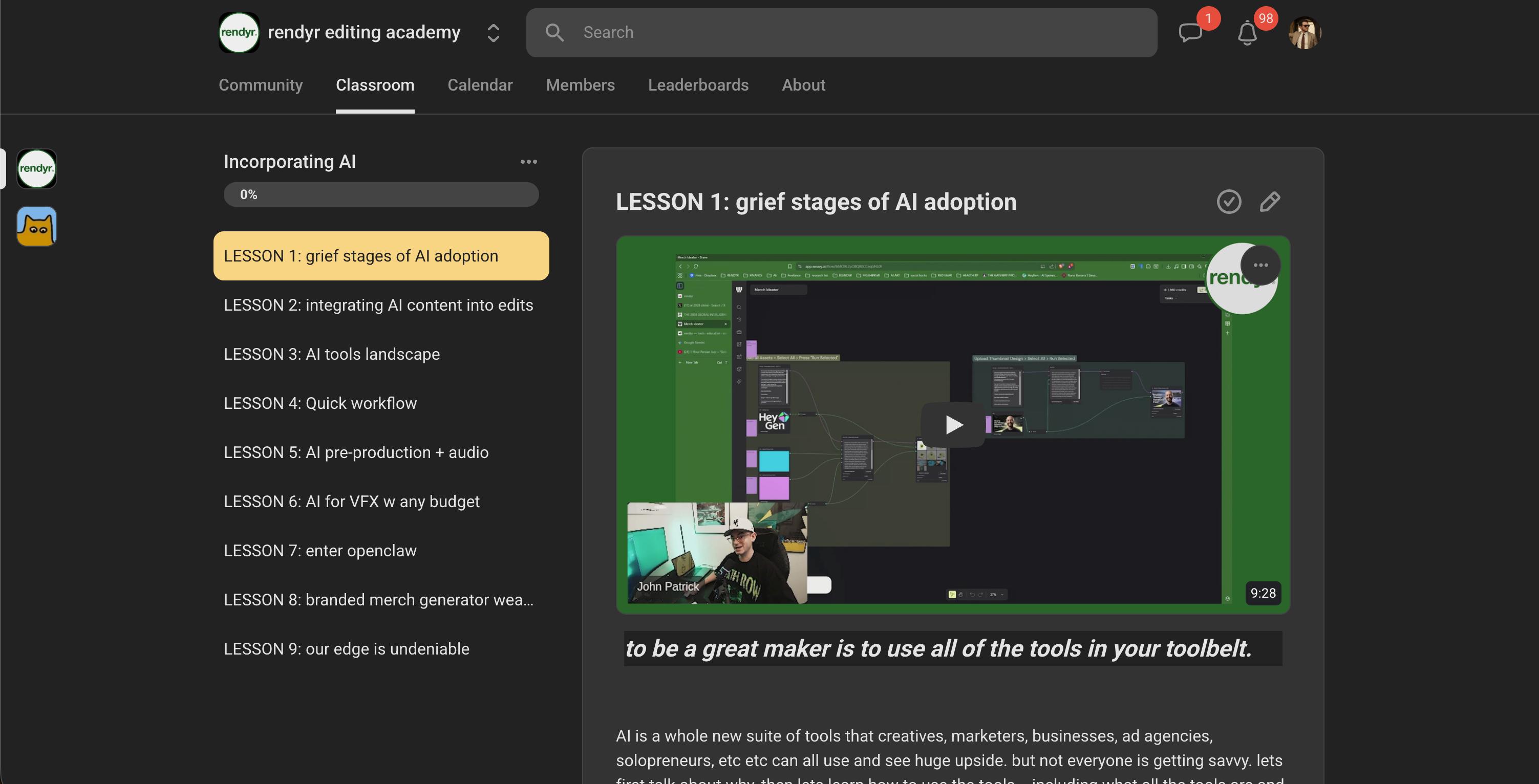
Join 1,100 others in becoming better creators
Shutter Speed
Shutter Angle
Aperture & DoF
ISO
White Balance
Log Profiles & Gamma
Rule of Thirds
Camera Fundamentals
Master the foundation of great video. Learn how to shoot in log, understand your camera settings, and capture clean footage
Color science
Learn color theory, skin tone correction, mood creation, and how to use LUTs properly so your videos always look intentional and professional
Pacing & Rhythm
Pacing & Rhythm
Shot Sequencing
Shot Sequencing
Sound & Music
Sound & Music
Visual Storytelling
Turn raw clips into a story people actually finish. Learn the hooks, pacing, and sequencing that keep viewers locked in from the first frame to the last.

Free Assets. Secret Deals.
Get free assets, secret discounts, and fresh creator drops every month.


1,200+ members joined already
Want know more
about the bundle?
Do I need a professional camera?
Not at all. Our LUTs work beautifully with footage from any source — including iPhones, GoPros, drones, and all major camera systems.
Read
Is this a subscription?
No. rendyr is a one-time purchase. You pay once and get lifetime access to everything, including future updates.
What editing software is this compatible with?
rendyr works with Adobe Premiere Pro, Final Cut Pro, DaVinci Resolve, After Effects, CapCut, iMovie, and virtually any editing software that supports .cube LUT files.
How do I install the LUTs and overlays?
Every asset is drag-and-drop. Plus, the bundle includes full video tutorials that walk you through the setup process.
What if I'm a complete beginner?
Perfect — that’s who this is built for. The included tutorials will get you up to speed fast.
What's the rendyr Academy?
A comprehensive filmmaking course in development. Bundle buyers get exclusive early access — no extra cost.
Can I use these assets commercially?
Yes. All assets come with a full commercial license for client work, YouTube, social media, or any creative project.
Free Assets. Secret Deals.
Get free assets, secret discounts, and fresh creator drops every month.
1,200+ members joined already
Want know more
about the bundle?
Do I need a professional camera?
Not at all. Our LUTs work beautifully with footage from any source — including iPhones, GoPros, drones, and all major camera systems.
Read
Is this a subscription?
No. rendyr is a one-time purchase. You pay once and get lifetime access to everything, including future updates.
What editing software is this compatible with?
rendyr works with Adobe Premiere Pro, Final Cut Pro, DaVinci Resolve, After Effects, CapCut, iMovie, and virtually any editing software that supports .cube LUT files.
How do I install the LUTs and overlays?
Every asset is drag-and-drop. Plus, the bundle includes full video tutorials that walk you through the setup process.
What if I'm a complete beginner?
Perfect — that’s who this is built for. The included tutorials will get you up to speed fast.
What's the rendyr Academy?
A comprehensive filmmaking course in development. Bundle buyers get exclusive early access — no extra cost.
Can I use these assets commercially?
Yes. All assets come with a full commercial license for client work, YouTube, social media, or any creative project.
Free Assets. Secret Deals.
Get free assets, secret discounts, and fresh creator drops every month.
1,200+ members joined already
Want know more
about the bundle?
Do I need a professional camera?
Not at all. Our LUTs work beautifully with footage from any source — including iPhones, GoPros, drones, and all major camera systems.
Read
Is this a subscription?
No. rendyr is a one-time purchase. You pay once and get lifetime access to everything, including future updates.
What editing software is this compatible with?
rendyr works with Adobe Premiere Pro, Final Cut Pro, DaVinci Resolve, After Effects, CapCut, iMovie, and virtually any editing software that supports .cube LUT files.
How do I install the LUTs and overlays?
Every asset is drag-and-drop. Plus, the bundle includes full video tutorials that walk you through the setup process.
What if I'm a complete beginner?
Perfect — that’s who this is built for. The included tutorials will get you up to speed fast.
What's the rendyr Academy?
A comprehensive filmmaking course in development. Bundle buyers get exclusive early access — no extra cost.
Can I use these assets commercially?
Yes. All assets come with a full commercial license for client work, YouTube, social media, or any creative project.
Free Assets. Secret Deals.
Get free assets, secret discounts, and fresh creator drops every month.
1,200+ members joined already
Want know more
about the bundle?
Do I need a professional camera?
Not at all. Our LUTs work beautifully with footage from any source — including iPhones, GoPros, drones, and all major camera systems.
Read
Is this a subscription?
No. rendyr is a one-time purchase. You pay once and get lifetime access to everything, including future updates.
What editing software is this compatible with?
rendyr works with Adobe Premiere Pro, Final Cut Pro, DaVinci Resolve, After Effects, CapCut, iMovie, and virtually any editing software that supports .cube LUT files.
How do I install the LUTs and overlays?
Every asset is drag-and-drop. Plus, the bundle includes full video tutorials that walk you through the setup process.
What if I'm a complete beginner?
Perfect — that’s who this is built for. The included tutorials will get you up to speed fast.
What's the rendyr Academy?
A comprehensive filmmaking course in development. Bundle buyers get exclusive early access — no extra cost.
Can I use these assets commercially?
Yes. All assets come with a full commercial license for client work, YouTube, social media, or any creative project.
4.8/5 (24)
Trusted by top creators
Trusted by
top creators
CRASH ADAMS 🚀
@crashadams
4.3M followers
His Review:
"rendyr changed the way I approach music videos. Every edit feels cinematic now."
CRASH ADAMS 🚀
@crashadams
4.3M followers
His Review:
"rendyr changed the way I approach music videos. Every edit feels cinematic now."
Joseph Abell
@thejosephabell
2M followers
His Review:
"I use rendyr for every edit. The LUTs are insane for food content."
Joseph Abell
@thejosephabell
2M followers
His Review:
"I use rendyr for every edit. The LUTs are insane for food content."
Drag and Drop
Just drag and drop to get cinematic results fast.
Instruction Guide
Learn how to use every asset quickly and easily.
Lifetime Updates
Enjoy lifetime updates and support. No extra cost.
Drag and Drop
Just drag and drop to get cinematic results fast.
Instruction Guide
Learn how to use every asset quickly and easily.
Lifetime Updates
Enjoy lifetime updates and support. No extra cost.